


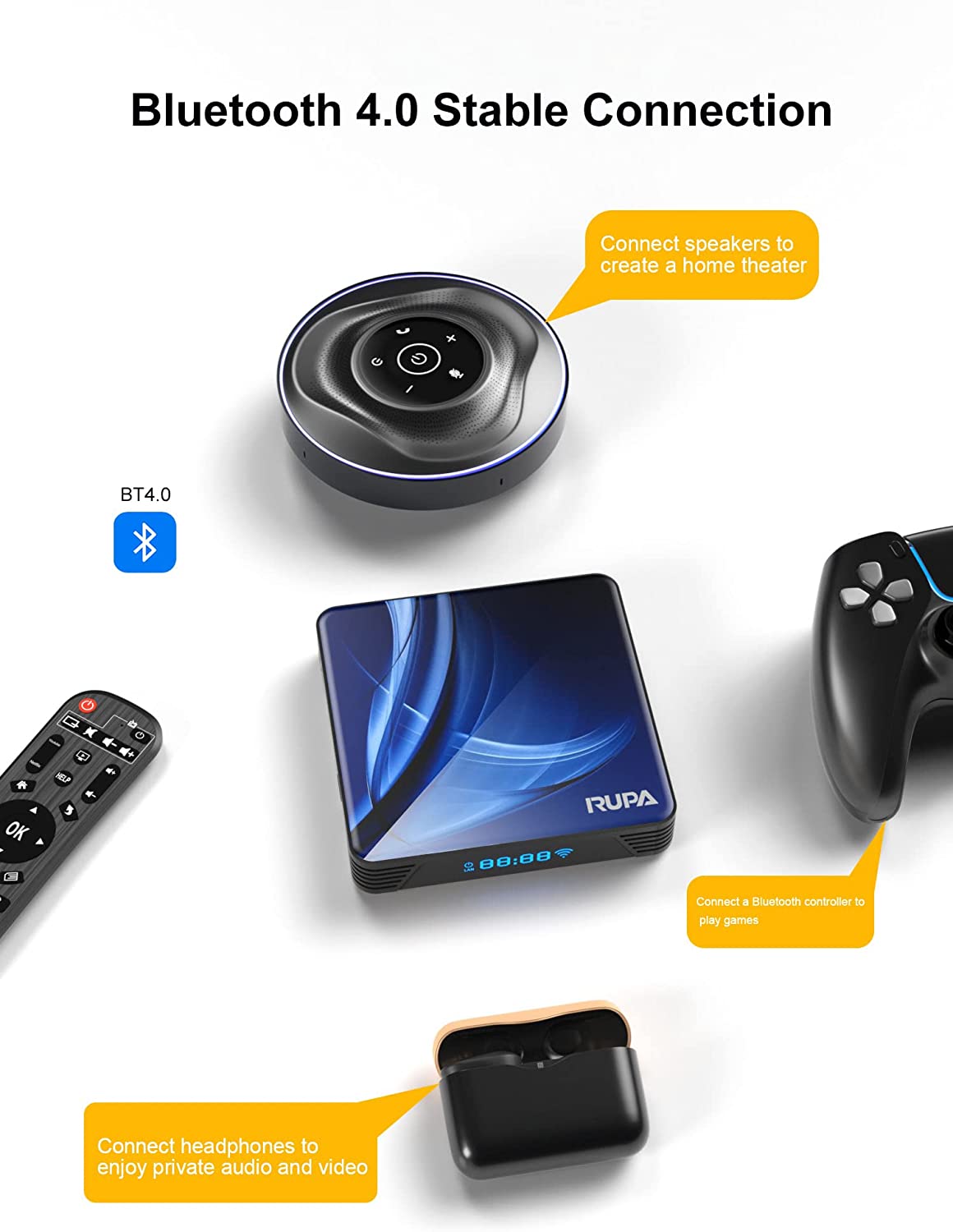
Android TV Box 11.0,2023 Smart TV Box RK3318 2GB 16GB Support 2.4G 5.8G WiFi Bluetooth 4.1 Ethernet LAN 3D 4K Video Android Box Set Top TV Box(7521)
Price
$28.00Free
28.00
Description
- ✅【NOTE 1】:Remote can't navigate on some APPs— It is a common issue for most of android tv box that hard to navigate on some APPs using the remote (such as Netf), as these APPs are mainly provided for tablets and phones that have touch screen settings or mouse. Connect a mouse or a wireless keyboard to control it could be better.
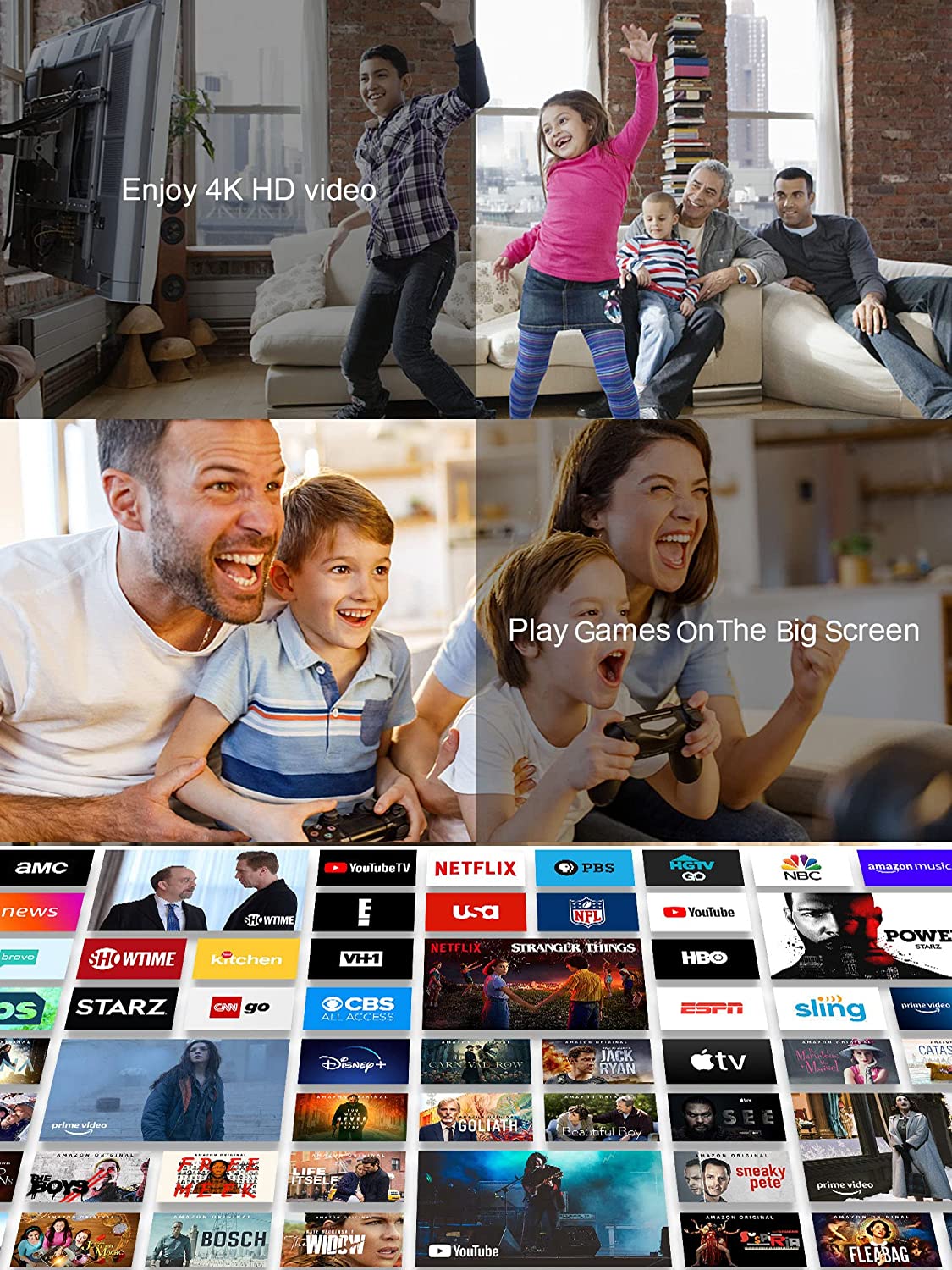
- ✅【Access Tons of Content】: Access to 3000+ channels and Apps, Open【Aptoide TV 】+【APK Pure】+【Aptoide】and you will find the APP you want. Enjoy movies and TV episodes from Netflix, VUDU, YouTube, Prime Video, Disney+, HBO Max, and more.
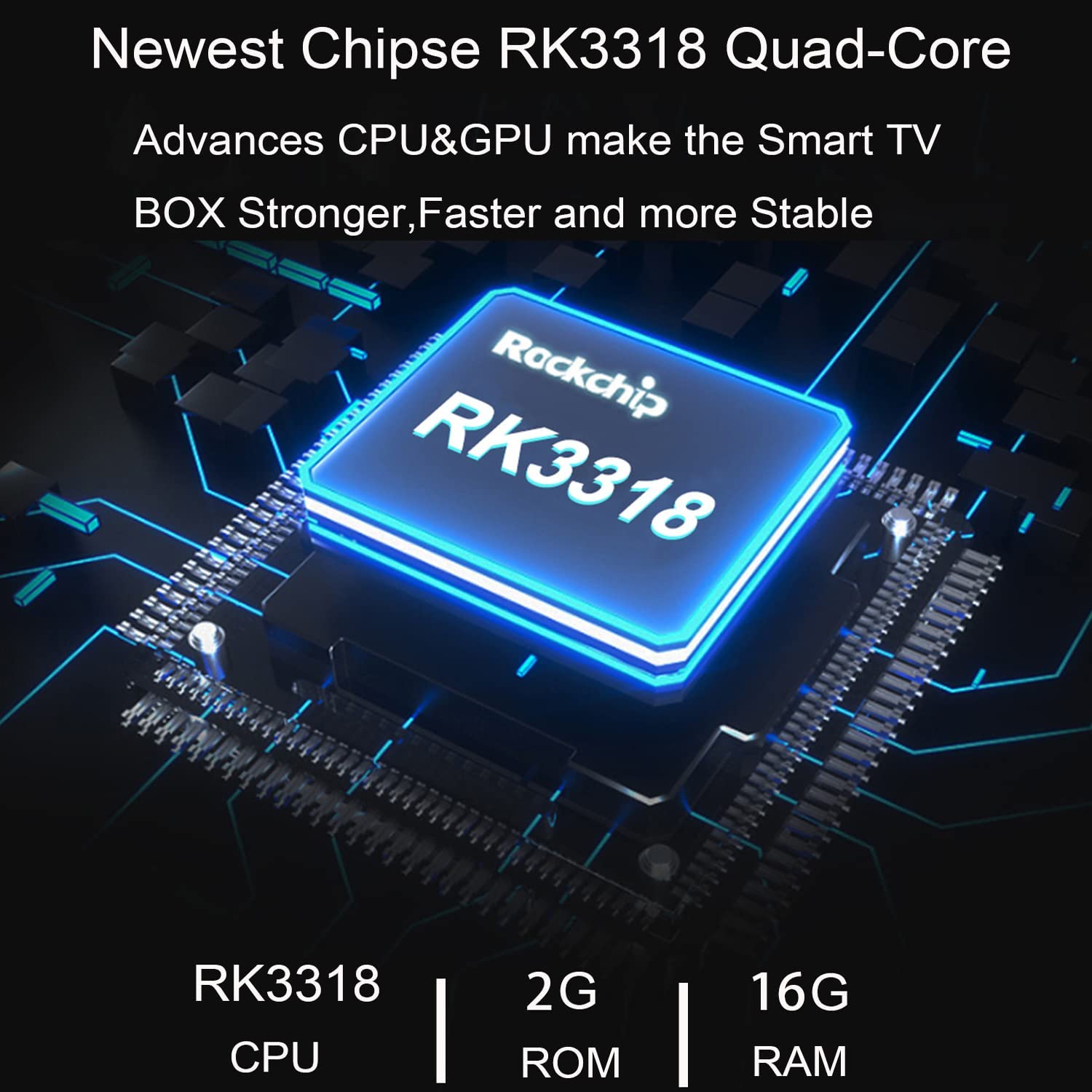
- ✅【Android 11.0 & RK3318】RUPA TV Box is equipped with Android 11.0 system, adding some optimizations and bug fixes to protect your privacy and data security. Equipped with a powerful RK3318 quad-core 64-bit CPU to keep the video running stably and smoothly. Don't worry about freezing and buffering and have a cinematic experience.
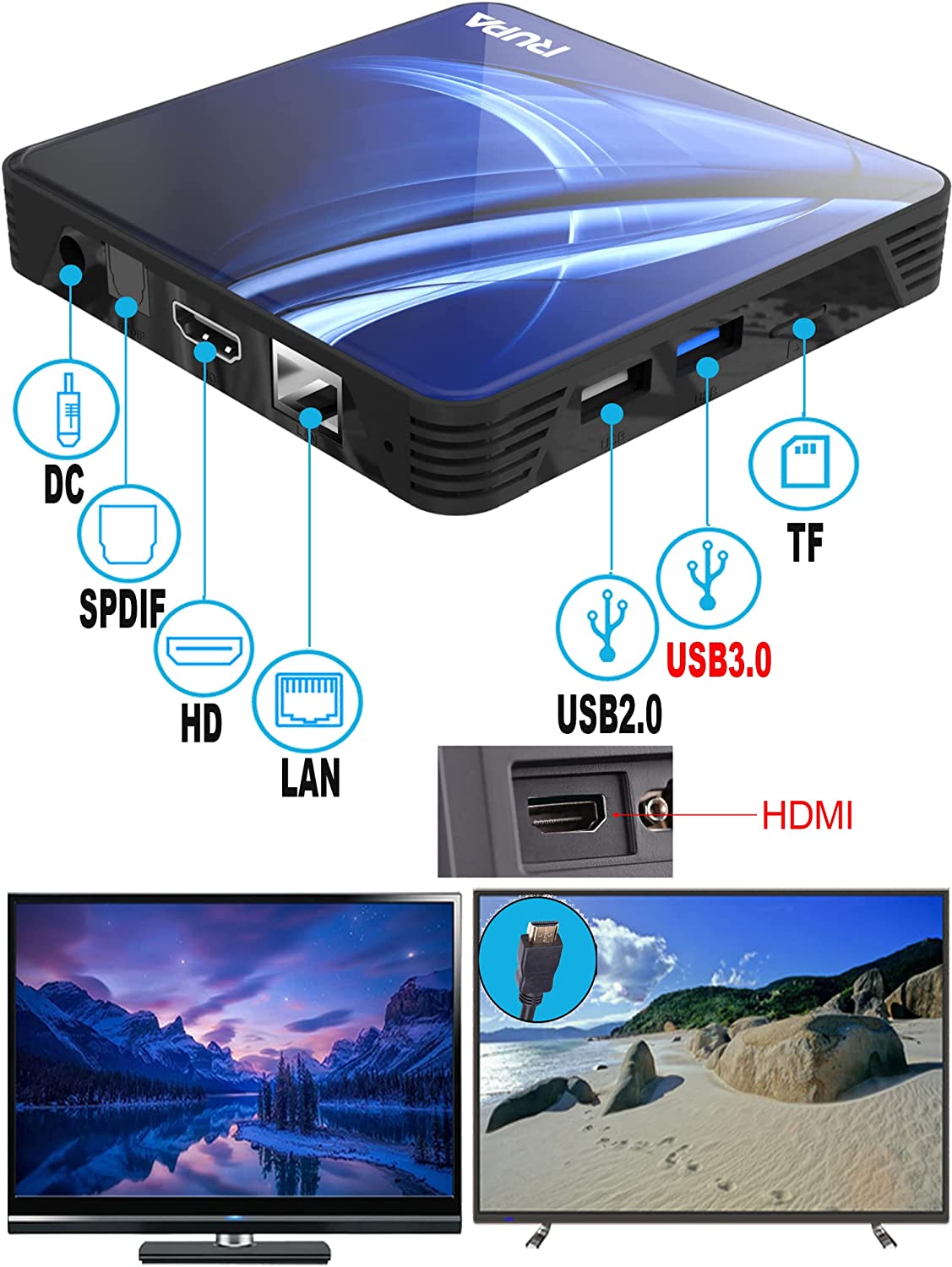
- ✅【4GB RAM & 32GB ROM】Using 4GB RAM large-capacity high-quality memory, running faster and more stable, and improving the smoothness of video playback to a greater extent. The 32GB ROM provides enough space for installing apps, games, and more . You can also expand the memory through the TF card slot, so you don't have to worry about running out of space.
- 【3D+4K & H.265】TV box supports 4K resolution and 3D function. You can watch Ultra HD movies freely at home at any time without going to the cinema. H.265 image processing technology make you watch movies more smoothly with the same picture quality loaded. The 4K 1080i/p resolution is 4 times more than full HD, so you can see every detail of the screen is glossy.
Product description
Note: Products with electrical plugs are designed for use in the US. Outlets and voltage differ internationally and this product may require an adapter or converter for use in your destination. Please check compatibility before purchasing.
Product information
Technical Details
| Brand Name | RUPA |
|---|---|
| Item Weight | 11.3 ounces |
| Product Dimensions | 4.7 x 4.7 x 1.5 inches |
| Item model number | RK3318 |
| Color Name | 1-without keyboard |
| Special Features | Wireless |


To get more supports
- 1.How to use the Keyboard?
Pls note it has a usb receiver in the backside of the cover, open the cover, insert AAA batteries to the keyboard, insert the usb receiver to the usb port of the tv box, press " turn on" button on the keyboard, then the tv box can receive the signal from the keyboard, and can control the tv box by the keyboard.
- 2.How to change the resolution?
Pls close " auto" function in resolution , then you can see 1080p and 4K option under 720*480p. and you can change to be resolution you want.(please make sure that your tv set is real 4K function, some tv set is only soft-ware supported 4K, then can not use tv box 4K function )
Android TV Box 11,RUPA Smart TV Box 2022 RK3318 Support 2.4G 5.8G WiFi Bluetooth 4.1 Ethernet LAN 3D 4K Video Android Box Set Top TV Box
Warm Tips for Android TV Box:
- Remote can't navigate on some APPs— It is a common issue for most of android tv box that hard to navigate on some APPs using the remote (such as Netf), as these APPs are mainly provided for tablets and phones that have touch screen settings or mouse. Connect a mouse or a wireless keyboard to control it could be better.
- App Installation— If some Apps can't be found on Google Play Store, Go to the tv box pre-installed 'APKPure' or "Aptoide TV" to install the APPs you want.
- Disney+— The android box supports Disney+ app, due to the some issue can not be downloaded in Google Play, you can try to download it in 'APKPure' or "Aptoide TV".
- Wi-Fi Issue —Please unplug the network cable before connecting to WiFi. If Ethernet and WiFi cannot be connected at the same time; we strongly recommend using a wired connection, which will be faster.
- Netf—Most of the android tv boxes are not support it because of the some issues, we pre-install it that can work, but it won't work once updated or re-installed. We can offer you a new version of it.
- Resolutions—The Android box 2022 supports 4K, but please confirm that if your TV supports 4K resolution or not and 4K Video source. And the Netfli only supports 720P, Prime Video only supports 1080P for android tv boxes.
- Can't connect to wifi --In Settings->Device Preferences->Date & time->utomatic date & time, pls check if you open Automatic date & time with status to be on or not, if not with on status, it will has no wifi.

